AI|APIs|Laravel Cloud|voice to text|
How to Initiate Conversations at a Tech Conference
Build a kick-ass interactive booth demo
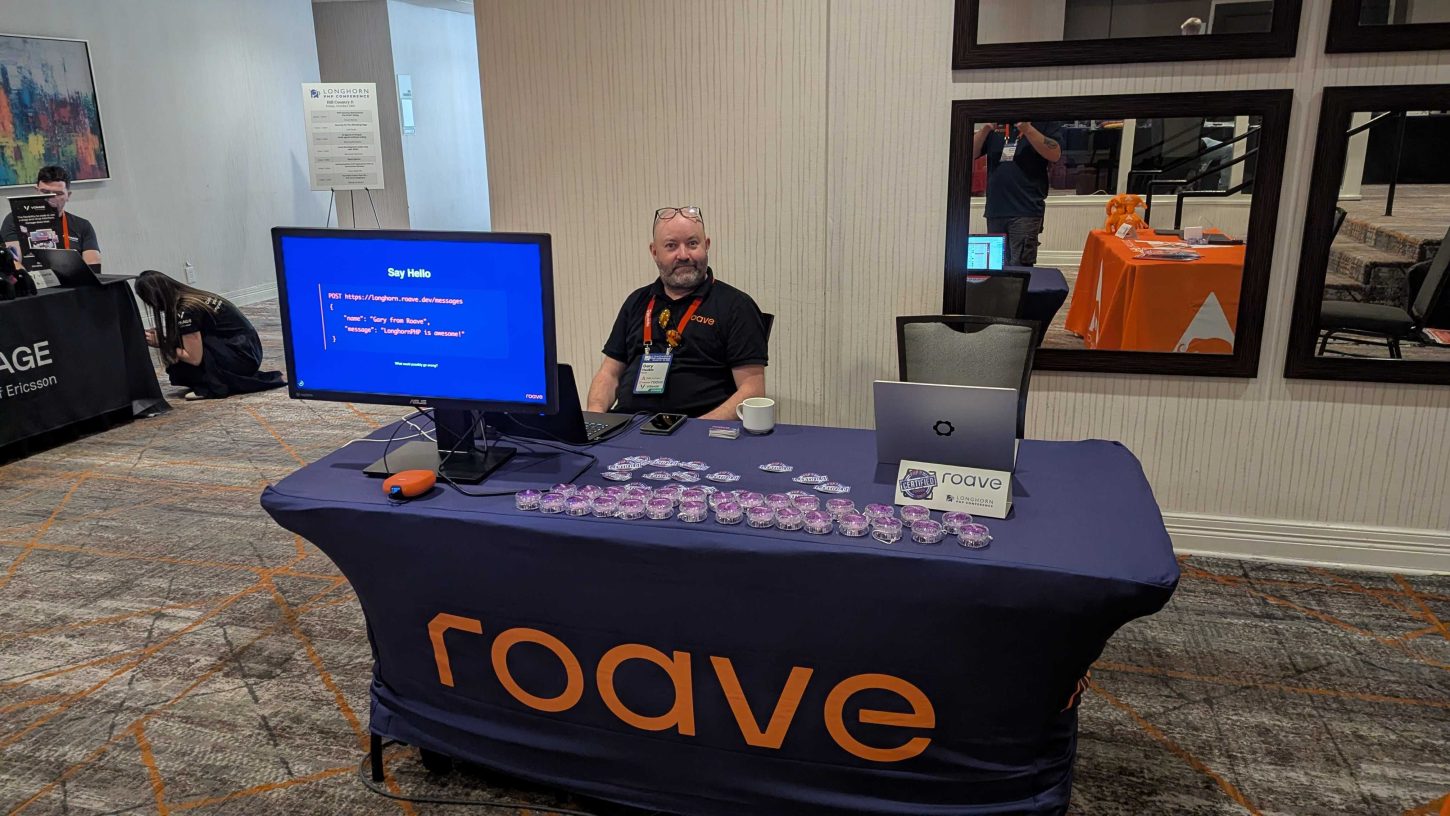
We recently came back from Longhorn PHP in Austin, in the great state of Texas. Both Charles Sprayberry and James Titcumb from Roave were speaking, so we decided to sponsor the event and have a booth.
The problem with having a booth at tech events is that unless you try to create some engagement, you risk just standing behind a desk for a couple of days, looking foolish.
So we decided that I should build a slideshow with a secret—allowing people to interact with our TV at the booth to break the ice, have a laugh, and get them to ask “How did you do that?” It feels natural to explain how you built it, follow up with what your company does, and then find out what they’re working on.
The Slideshow
I wanted people to be able to interact with our slideshow to create interest. I’ve used this trick before wonderfully at Twilio, writing a demo that allowed you to spin the wheel of swag, fight in a not-Pokemon battle, and even get your photo printed at the booth. This works great with a product like Twilio because the magic of being able to text a number on your phone and see something happening on the screen never gets old. We’re not Twilio, we’re a much less flashy, but successful software consultancy that writes a lot of APIs, so I decided that in order to interact with our booth, you’d have to call an API endpoint of some description.
Text-to-speech is always fun, so what if you could make an HTTP POST request to an endpoint with a message, and have your message read out on the screen for all to hear?
Building the Thing
All that was left was to build the thing. I decided to fire up the stream (twitch.tv/spabby 🔌) and build it live on Twitch with my lovely community. The first thing to do was to find a viable TTS provider. I looked at a few APIs with great results but they were either expensive, or the onboarding was awful so I couldn’t work out how to use them. Then I found a blog post by my old friend Phil Nash that he wrote when he was at Twilio:
https://www.twilio.com/en-us/blog/developers/tutorials/building-blocks/speech-to-text-browser-web-speech-api
It turns out that modern browsers have a web speech API built right into the browser! So we built a simple slideshow that promoted what Roave did, with a single, innocuous slide telling people how to send us a message:
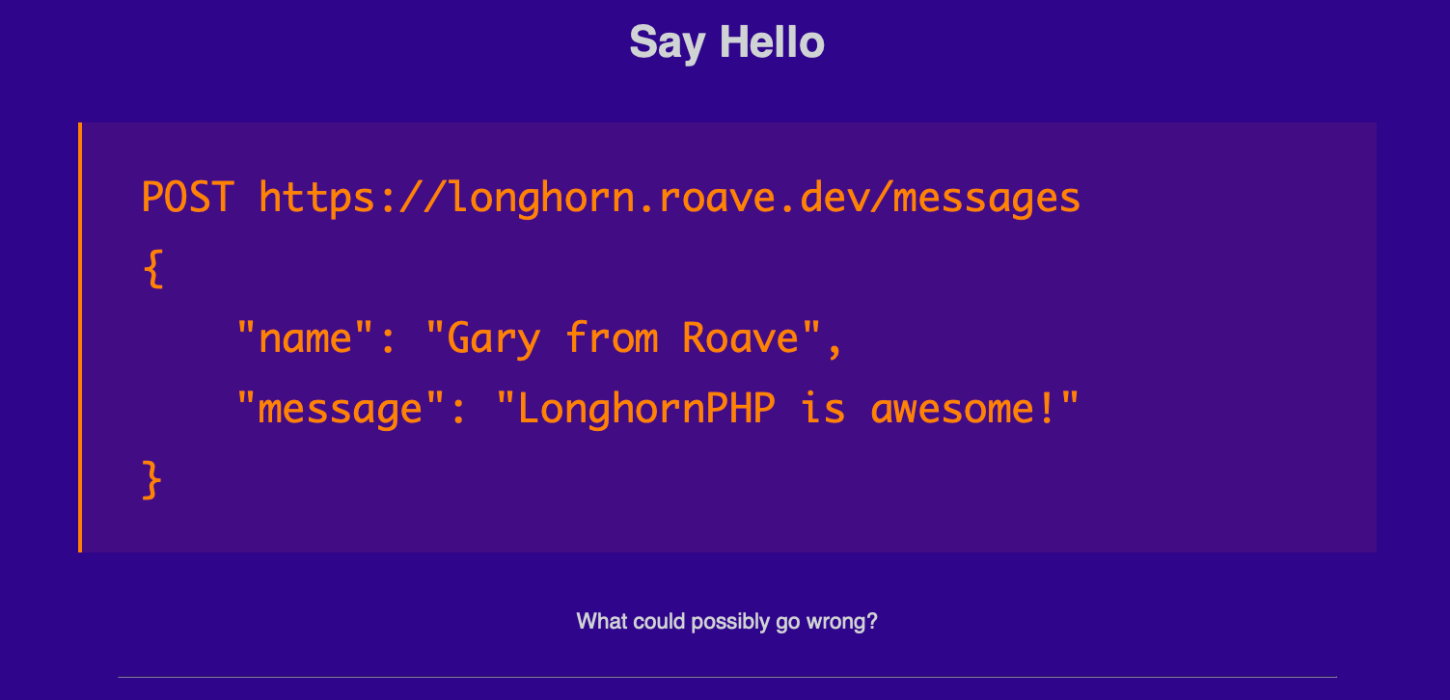
The key here is “What could possibly go wrong?” – it encourages people to push the boundaries and try to break the app which boosts engagement.
Building the app was relatively simple, for the API I went with a very simple Laravel route that accepts and validates the messages, and adds them to the database:
public function post(Request $request): JsonResponse
{
    $body = $request->validate([
        'name' => 'required|string',
        'message' => 'required|string',
    ]);
    $message = new Message($body);
    Log::info(json_encode(['message' => $message, 'from' =>
        json_encode($request->getClientIps())]));
    $censor = new CensorWords();
    $message->message =
        $censor->censorString($message->message, true)['clean'];
    $message->name = $censor->censorString($message->name, true)['clean'];
    $message->save();
    return new JsonResponse($message);
}
We use Laravel’s basic validators to ensure we have a valid name and message, and then just throw it in the database. For the front end, RevealJS slideshow with a custom overlay that gets triggered when we want to display a message; we’re not doing anything fancy, just polling a simple GET endpoint that expects you to be logged in with Laravel’s Breeze auth system. If there’s a message, it returns it and marks it as read:
public function get(): JsonResponse
{
   $message = Message::where('played_at', '=', null)->first();
   if (!$message) {
       return new JsonResponse();
   }
   $message->played_at = now();
   $message->save();
   return new JsonResponse($message);
}
It then updates the DOM to show the message, and reads it out using a randomly supported voice from the web speech API. This was an accidental success that happened because we were building this on stream with the community. We were picking voices at random to see which one we wanted to use, but ended up finding it so funny with the random voice that we just left that in!
let availableVoices = speechSynthesis.getVoices();
availableVoices = availableVoices.filter(
    voice => voice.lang === 'en-US' || voice.lang === 'en-GB');
const ssu =
    new SpeechSynthesisUtterance(data.name + ' says... ' + data.message);
ssu.voice =
    availableVoices[Math.floor(Math.random() * availableVoices.length)];
console.log(ssu.voice);
ssu.addEventListener('end', (event) => {
   // remove the overlay 10 seconds after voice ends
});
speechSynthesis.speak(ssu);
Dashboard
Everything is working great, it’s a bit scrappy, but it does its job! As a final hoorah I thought it would be nice to have a dashboard so we can see what messages were sent, and replay them using a button that just sets the last played time to null. I decided to ask Claude.ai to do this for me, and to be fair it did a great job of this basic task. It feels like a framework like Laravel that has strong documented conventions is a good candidate for an AI agent to code.
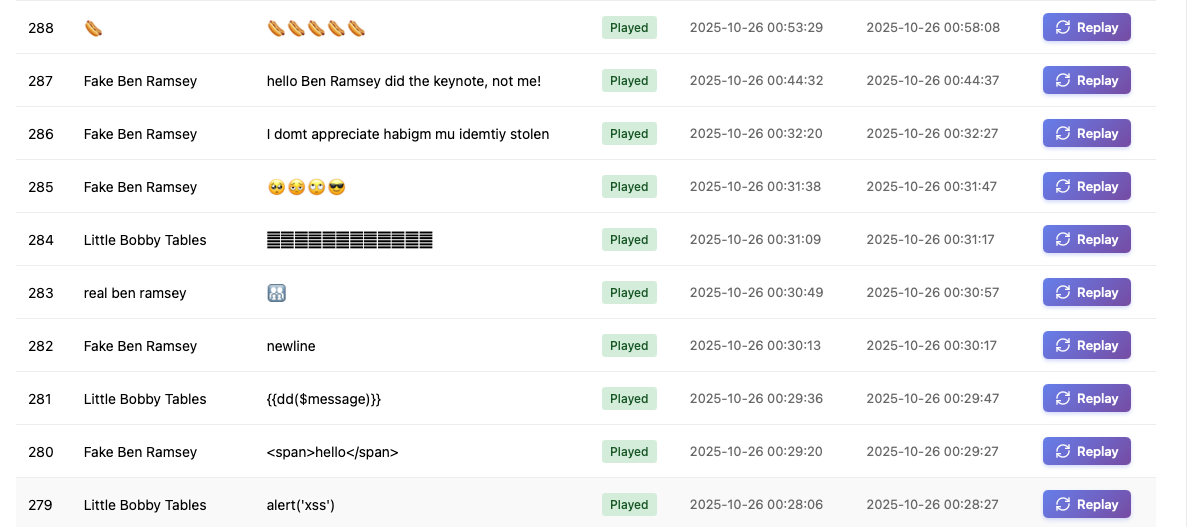
As you can probably spot from the screenshot, of course engineers decided to see if they could break it. If I’m honest I had to hotfix a few bugs, like using innerHTML instead of textContent to set the message and name in the overlay, to stop people doing XSS.
We deployed it with Laravel Cloud which is impressive, and gives you production deployments when you push to main out of the box, so these hotfixes were nicely trivial.
Things got nicely out of hand too, when a mystery attendee created the hallway-parrot bot that posted anything said in the conference’s discord channel to the screen. This is exactly the kind of thing I was hoping would happen when I designed the system 😉.
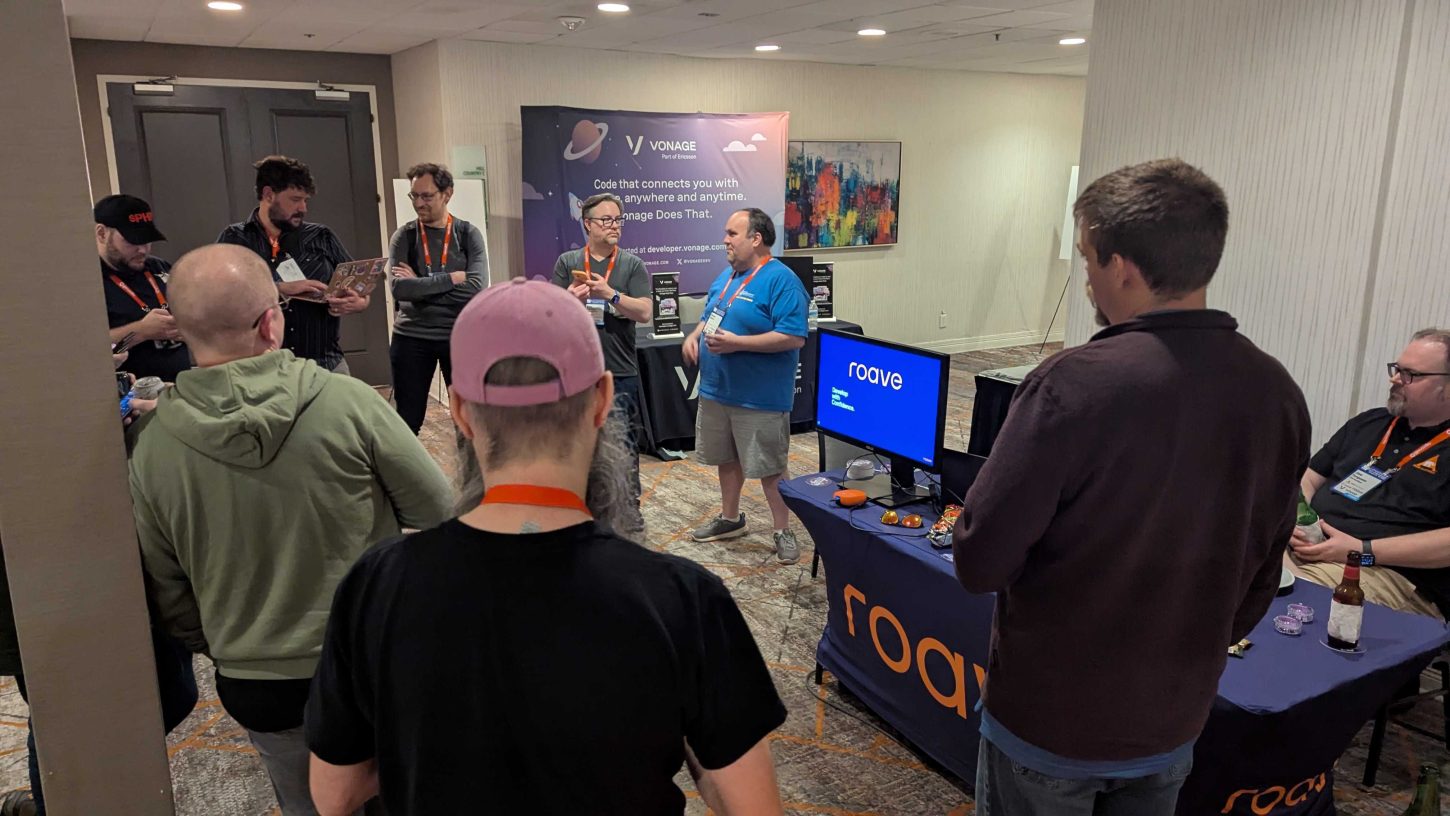
Seeing a group of people gathered around the screen, laptops in hand as they try to break the system during the conference social was a testament to how these kind of interactive demos can capture the imagination of a bunch of nerds, and I think we’ll double down on this going forward maybe adding some image uploads to the slideshow so that attendees can dynamically add photos they took from the event too!
Gary is an Associate at Roave who specializes in creating interactive demos that capture the imagination of developer audiences. He’s passionate about helping brands connect with the tech community through engaging product demonstrations. If you’re looking to make a splash at your next tech conference, Gary and the Roave team would love to help you stand out and create memorable experiences for attendees.
Next time, why don’t you be at the booth with all the traffic?